Protecting downloads in MAM enrolled profiles on managed Windows devices

This week is all about a combination of new features. That combination of features is allowing MAM enrollment on managed Windows devices and protecting downloads in Microsoft Edge. Both features are relatively new features in Microsoft Edge, that are both currently still behind experimental feature flags. The first feature enables MAM enrollment on managed devices (also known as cross-tenant support) and the second feature protects the downloads in Microsoft Edge in that scenario. That feature makes sure that downloads are always redirected to a folder that is managed within the home tenant of the user account and that enforces organizational compliance. In practice that means that when the user downloads files, in that MAM enrolled profile on a device that is already managed by another …

Read more

Managing geolocation access for websites in Microsoft Edge

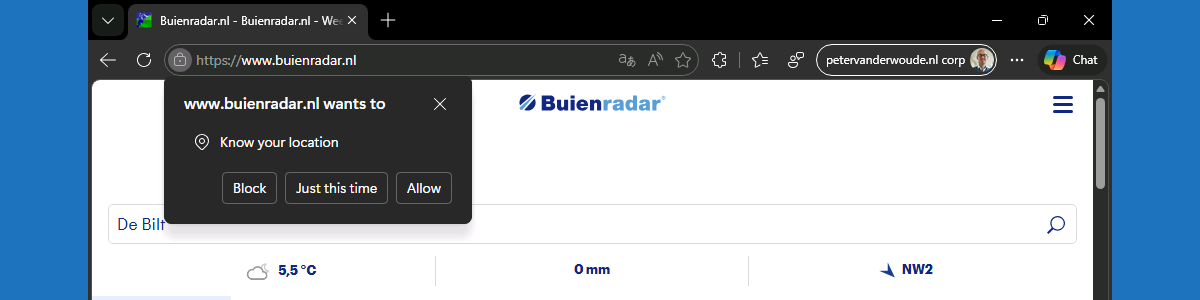
This week is all about managing (geo)location access for websites in Microsoft Edge. When apps are allowed access to the location of the user, that also includes the Microsoft Edge browser. That means that – depending on the configuration in Microsoft Edge – every website could potentially access the location of the user, or at least ask the user for access. Within Microsoft Edge there are, however, controls available that can be used for controlling the access of websites to the location of the user. Those controls enable the organization to define the default behavior, and also the behavior for specific websites. That enables a layered level of control over the location access in Microsoft Edge. The first layer is the access of apps in …

Read more

Managing Copilot in Microsoft Edge

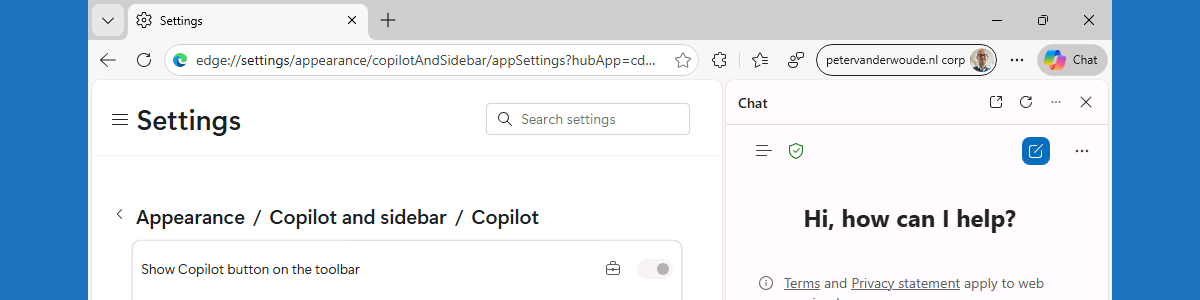
This week is all about managing Copilot within Microsoft Edge. There were already some nice configurations available for a while and recently an additional configuration was added around sharing tenant-approved browser history with Copilot search. That was a nice trigger for this post, focused on managing those available configurations. Working with Copilot in Microsoft Edge, does often require the organization to make that functionality available to the users. The good part is that it is often already disabled by default when using an organizational account. Especially in the EU, Copilot in Microsoft Edge has some default constraints that can be adjusted when needed. That is for example applicable to configuration around accessing Microsoft Edge page content for Entra accounts. This post will provide a closer …

Read more

Getting started with secure password deployment in Microsoft Edge

This week is still about Microsoft Edge. More specifically, this week is all about the secure password deployment feature of Microsoft Edge. Secure password deployment enables IT administrators to securely deploy encrypted shared passwords to users. That can be useful with shared credentials for specific user accounts and applications. For example for easily getting access to a specific dashboard, or to specific social media accounts. There are many possible use cases. With secure password deployment, users will receive the deployed passwords in their work profile in Microsoft Edge on their managed device. That will help with reducing the risk of (over)sharing passwords with the wrong audience, and with that it helps with enhancing the overall security posture of the organization. This post will look closer …

Read more

Allowing users to request the installation of browser extensions for Microsoft Edge

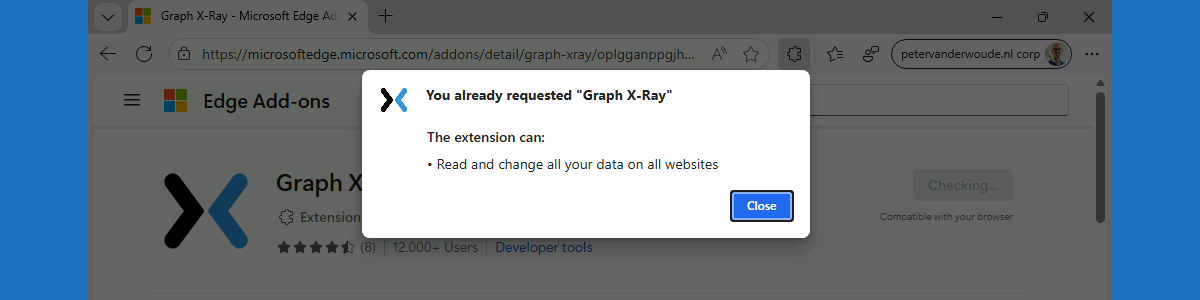
This week is also about Microsoft Edge. More specifically, about managing browser extensions for Microsoft Edge. That has been a subject before, but in that case it was focused on fully managing Microsoft Edge browser extensions on Windows devices. In that case, it was a pretty strict configuration focussed on creating an allow list for Microsoft Edge browser extensions. There are, however, easier methods for allowing users to request the installation of extensions for Microsoft Edge. Within the Microsoft Edge management service there is ability to block the installation of extensions by default, while allowing user to request the installation of any blocked extension. Once the installation is requested, the IT administrator has to approve the installation by allowing the requested extension. With that, IT …

Read more

Reinforcing data protection with watermark protection in Microsoft Edge

This week is all about watermark protection in Microsoft Edge. Watermark protection is focused on visibly reinforcing data protection in Microsoft Edge, and that reinforcement is achieved by overlaying a watermark on sensitive data when viewed in the browser. Watermark protection in Microsoft Edge is – like in any other Microsoft solution – designed to discourage sharing screenshots, support compliance requirements, and increase the awareness of users when handling sensitive data. With that, watermark protection does not technically prevent users from sharing sensitive data, but it does make the user aware of the sensitivity of the data. And on top of that, it will become a lot easier to understand the source of a potential data leakage. This post will provide a closer look on …

Read more

Excluding specific files from being uploaded to OneDrive

This week is another relatively short blog post, again somewhat related to Microsoft Edge. This week, however, is about configuring some specific OneDrive configurations. More specifically, the focus will be on excluding specific files from being uploaded to OneDrive. Not something really new, but the importance became clear again this week. There can be many reasons why organizations might want to exclude specific files from being uploaded to OneDrive, but there are also some generic reasons that are applicable to most organizations. An often heard reason is related to desktop shortcuts. Synchronizing desktop shortcuts (or even shortcuts in general) often results in either duplicate shortcuts or shortcuts to missing applications. Another reason is related to organizational branding in Microsoft Edge. Customizing organizational branding relies on …

Read more

Protecting against typosquatting with website typo protection in Microsoft Edge

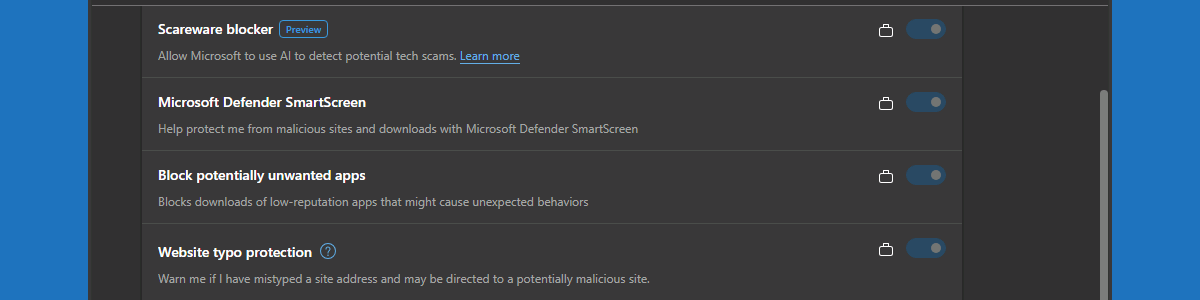
This week is a short post about website typo protection in Microsoft Edge. That subject was briefly mentioned earlier when discussing Enhanced Security Mode in this blog post about tightening browser security in Microsoft Edge. This week is mainly focused on awareness for website typo protection. Website typo protection is aimed at protecting users against typosquatting. Typosquatting is intended to hijack traffic of users that meant to visit well-known sites, but that made a spelling mistake. That hijacking is achieved by using addresses with common misspellings or typographical errors of those well-known sites. Often that is used as prank, ad, or (friendly) competition, but more and more often that is also being used for phishing and malware. In the latter cases, users will get to …

Read more

Blocking other browsers with policies for Microsoft Edge (be careful)

This week is all about creating awareness. Creating awareness for the configuration options that are available for Microsoft Edge via the Microsoft 365 admin center, also known as the Microsoft Edge management service. The Microsoft Edge management service is an alternative method, besides Microsoft Intune, for configuring the Microsoft Edge browser via the Cloud. The configurations are stored in the Cloud and the settings can be applied through a group assignment. The user must be signed into the browser to receive those settings, and the browser must be restarted to make new settings applicable. So, pretty similar to the capabilities within Microsoft Intune. Besides that, the Microsoft Edge management service also provides access to additional settings, such as organization branding, AI, and specific security settings. …

Read more

Preventing scareware with scareware blocker in Microsoft Edge

This week is all about a relatively new security feature within the Microsoft Edge browser, and that feature is scareware blocker. Scareware blocker is a security feature to protect against scareware attacks. Scareware attacks often display as full-screen pop-ups with all sorts of warnings claiming that the device has been compromised. The idea behind those attacks is often to frighten users into calling fraudulent support numbers or downloading harmful software. Scareware blocker can automatically detect and stop these attacks, by using machine learning. This post will start with a brief introduction about scareware blocker in Microsoft Edge, followed with the steps to enable it. This post will end with an overview of the user experience. Note: At the moment of writing scareware blocker is still …

Read more