Using sensitivity labels for protecting labeled content in Microsoft 365 online apps

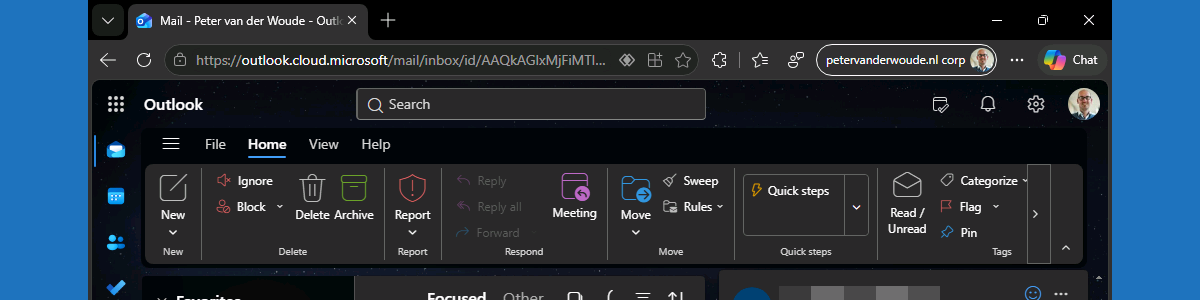
This week is all about Microsoft Edge. More specifically, this week is all about even using sensitivity labels for protecting Microsoft 365 online apps in Microsoft Edge. Sensitivity labels on itself are nothing new, using it in Microsoft 365 online apps not either, but support for using it in Outlook on the web is. The basics of sensitivity labels are still the same. After applying a sensitivity label, the IT administrator can prevent actions like copying, pasting, taking screenshots, forwarding emails, replying to emails, and more. Initially that functionality was only available in Microsoft 365 desktop applications, and now slowly moved towards Microsoft 365 online apps via Microsoft Edge. Within Microsoft Edge, that same behavior can now be enforced. Of course that does require the …

Read more

Blocking other browsers with policies for Microsoft Edge (be careful)

This week is all about creating awareness. Creating awareness for the configuration options that are available for Microsoft Edge via the Microsoft 365 admin center, also known as the Microsoft Edge management service. The Microsoft Edge management service is an alternative method, besides Microsoft Intune, for configuring the Microsoft Edge browser via the Cloud. The configurations are stored in the Cloud and the settings can be applied through a group assignment. The user must be signed into the browser to receive those settings, and the browser must be restarted to make new settings applicable. So, pretty similar to the capabilities within Microsoft Intune. Besides that, the Microsoft Edge management service also provides access to additional settings, such as organization branding, AI, and specific security settings. …

Read more

Getting started with the Microsoft Purview extension for Mozilla Firefox

This week is sort of a follow-up on last week. Last week the focus was on getting started with the Microsoft Purview extension for Google Chrome, while this week the focus is on getting started with the Microsoft Purview extension for Mozilla Firefox. The story around the extension is pretty similar, as the Microsoft Purview extension for Mozilla Firefox extends the Endpoint data loss prevention (Endpoint DLP) capabilities to sensitive items in the Mozilla Firefox browser. And after the installation of that extension, on Windows devices, organizations get the ability to also monitor attempts to access or upload sensitive items to a Cloud service when using the Mozilla Firefox browser, and to actually enforce protective actions via data loss prevention policies. This post will provide a …

Read more

Getting started with the Microsoft Purview extension for Google Chrome

This week is all about the Microsoft Purview extension for the Google Chrome browser. Not because it’s something really new, but mainly to create some awareness around its existence. The Microsoft Purview extension for Google Chrome extends the Endpoint data loss prevention (Endpoint DLP) capabilities to sensitive items in the Google Chrome browser. After the installation of the Microsoft Purview extension for Google Chrome, on Windows devices, organizations get the ability to also monitor attempts to access or upload sensitive items to a Cloud service when using the Google Chrome browser, and to actually enforce protective actions via data loss prevention policies. This post will provide a brief overview of the Microsoft Purview extension for the Google Chrome browser, followed with the steps to automatically …

Read more